How to Choose the Right Invoice Software for Your Small Business in Canada (2026)
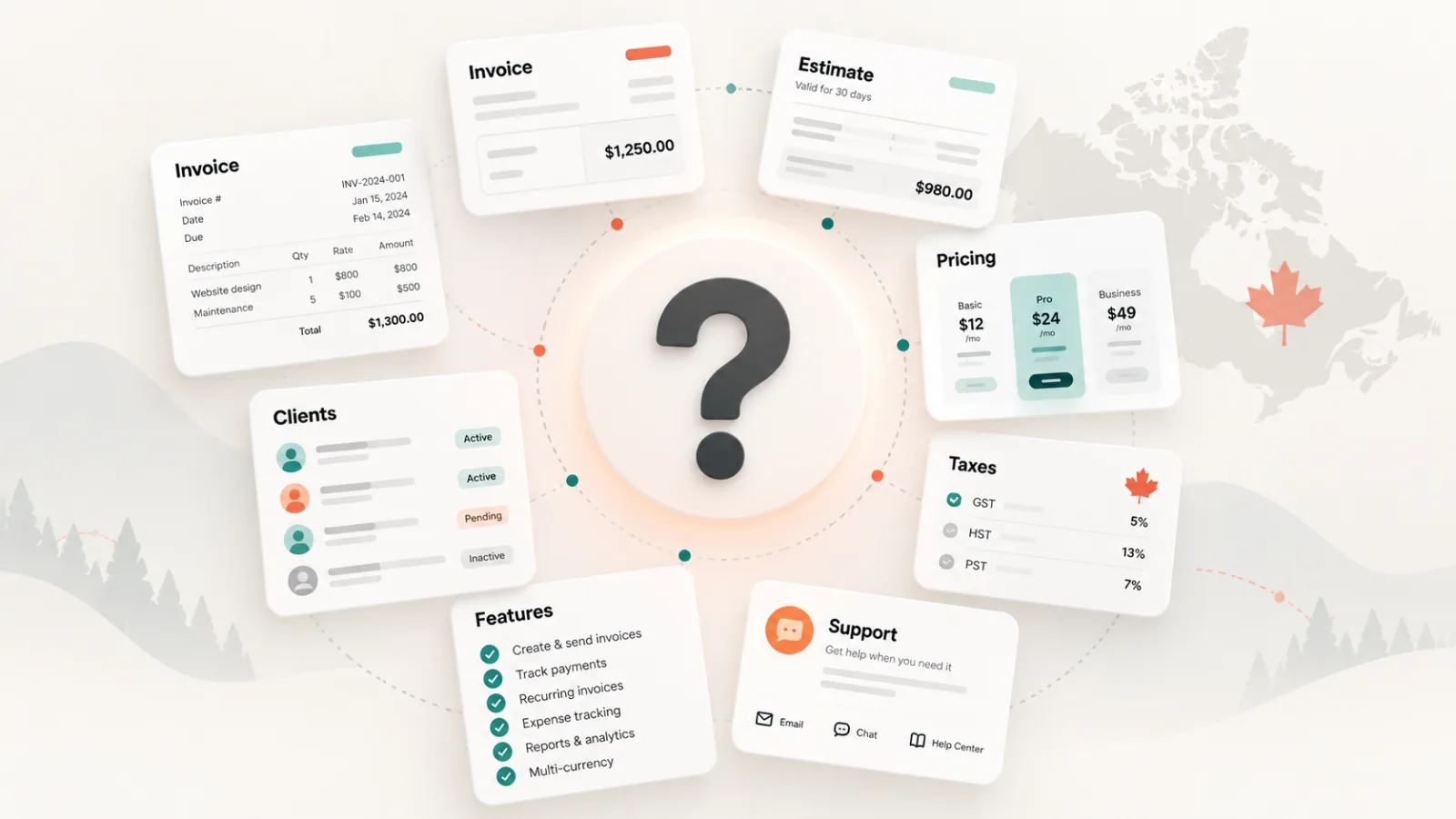
If you run a 1–10 person business, you probably do not need an accounting system disguised as invoicing software. You need something that helps you bill correctly, get paid faster, keep records organized, and does not become another piece of software you have to manage.
There are dozens of invoice apps and software in Canada, from established accounting platforms to tiny SaaS products built by one or two people. The right choice is not necessarily the one with the longest feature list. It is the one that matches how your business actually works today, gives you room to grow, and is trustworthy enough to hold your customer and billing data.
The short version
For most Canadian businesses with 1–10 people, prioritize easy invoicing, correct tax handling, reliable delivery, client and product/service records, data export, and clear legal/privacy terms. Add accounting, payroll, inventory, or project-management features only if you genuinely need them.
1. Start with your real workflow—not a feature checklist
Software comparison pages tend to reward the product with the most checkmarks. Small businesses should do the opposite: start with the few jobs that happen every week.
Create an invoice quickly
Can you go from client to finished invoice in a minute or two?
Send and re-send it
Can you email, download, or share a link without awkward workarounds?
Track what is unpaid
Can you see overdue and outstanding invoices at a glance?
Reuse your data
Can you save clients, products and services instead of typing them again?
Handle estimates or quotes
If your business quotes before billing, this belongs in the same workflow.
Export your records
You should be able to get your data out when your accountant—or you—needs it.
If a product makes those basic tasks harder because it wants you to configure a chart of accounts, projects, payroll, inventory and automations before sending invoice #1, it may simply be too much software for your current business.
2. Canadian taxes matter—but “automatic tax” is not magic
A Canadian invoice app should support GST/HST and, where relevant, provincial sales taxes such as QST. It should also let registered businesses display the appropriate registration numbers and keep tax amounts clear on the invoice.
But be cautious with marketing claims such as “we automatically apply the right tax based on your province.” CRA’s place-of-supply rules can make the correct GST/HST rate depend on the type of supply and where it is considered supplied. For many services, the customer’s relevant Canadian address can determine the province. A Quebec business providing a service to an Ontario customer may therefore need to charge Ontario HST rather than Quebec GST/QST.
What to test
Create sample invoices for a local customer and an out-of-province customer. Make sure you can choose or override the applicable taxes when your situation requires it. Invoicing software should help you apply your tax rules—it should not hide them from you.
3. Free vs. paid: use free to prove the workflow, not as a lifetime strategy
Free invoicing software can be a perfectly sensible starting point. If you are newly self-employed, send a handful of invoices, or are still deciding whether the product fits your workflow, there is little reason to pay before you know you will use it.
Where small businesses go wrong is choosing software purely because it is free and then building their entire billing process around its limitations.
| Free is usually enough when… | Paid starts making sense when… |
|---|---|
| You are testing the product or have very light invoicing volume. | Invoicing is now a recurring operating process rather than an occasional task. |
| One person handles all billing. | More than one person needs access, permissions, or separate business profiles. |
| Manual follow-up is still manageable. | Late payments and admin time are becoming expensive. |
| Basic templates and exports are sufficient. | You need stronger branding, advanced exports, automations, integrations, or priority support. |
| You can tolerate some product limits. | A limit is forcing you to change how you work or maintain a second spreadsheet/tool. |
A useful rule is simple: if a paid plan saves even a small amount of admin time every month, prevents missed follow-ups, or replaces another subscription, the software may already be paying for itself. Your goal is not to find the cheapest invoice app. It is to keep invoicing cheap as a business process.
4. Check what happens to your data before you upload your client list
Your invoice app can contain customer names, addresses, email addresses, prices, payment history, tax numbers and notes about work performed. That makes the Privacy Policy more than a checkbox at signup.
Before choosing a provider, open its Privacy Policy and look for clear answers to these questions:
- What personal information does the service collect?
- Why is it collected and who receives it?
- Which third-party providers or subprocessors are involved?
- How long is data retained?
- Can you delete your account and associated client data?
- Can you export your invoices and client records?
- Who is responsible for privacy questions or complaints?
Canadian privacy guidance emphasizes accountability, safeguards, openness, and clear information about how personal information is handled. Even if your business is tiny, your customers' information does not stop being sensitive because you only have five employees.
5. The question most software reviews skip: who are you actually contracting with?
Open the Terms of Use and look for the legal name of the company operating the service. You should ideally be able to answer a basic question: if there is a billing dispute, privacy issue, data-loss incident, or legal notice, who is the other party?
This becomes especially relevant with very small SaaS products. A polished website and a Canadian domain do not automatically tell you who owns or operates the service.
How to check in about a minute
Open the provider's Terms of Use and Privacy Policy and search the page for "Inc.", "Ltd.", "Corp.", "Inc.", "S.E.N.C.", or "operated by". You're looking for a legal name, not a brand name. Also look for a governing-law clause naming a province, and a mailing address.
That distinction matters.
The point is transparency: the provider should make it easy to understand who operates the service, which law governs the agreement, how to contact them, and what happens to your data.
If you find a name, you can verify it for free. Federally incorporated companies appear in Corporations Canada's business search; Quebec companies appear in the Registraire des entreprises du Québec, which lists the legal name, registered address, and status. Most other provinces have equivalent registries.
If the legal pages only ever repeat the app name, that isn't proof of anything — plenty of good software is built by small teams who never got around to it. It does mean you'd have to go find that information yourself before you could send a formal notice, file a privacy complaint, or dispute a charge. Decide whether that's a trade you're comfortable making before you upload your client list.
For comparison, InvoiceCast explicitly identifies its operating entity in its Terms of Use and Privacy Policy.
6. Look for boring features before exciting ones
AI invoice generation, dashboards and dozens of integrations look good on a landing page. For a small business, the “boring” details usually matter more:
- Can invoice numbers follow your existing sequence?
- Can you edit tax names, rates and registration numbers?
- Can you create a credit or correct an invoice cleanly?
- Can clients receive a professional PDF?
- Can you see whether an invoice was sent, viewed, paid or overdue?
- Can you export your records if you leave?
- Does support answer when something affects your billing?
These are the features you notice at 4:45 p.m. when a customer needs a corrected invoice before issuing payment.
7. Do not buy an accounting suite unless you need an accounting suite
QuickBooks, Xero, FreshBooks, Wave and other broader platforms can be the right choice when invoicing is tightly connected to bank reconciliation, bookkeeping, payroll, inventory, accountant workflows or detailed financial reporting.
But a landscaper with four employees, an independent consultant, a small electrical contractor, a photographer, or a two-person staffing agency may simply want invoicing plus a few adjacent tools. Paying for complexity you do not use has two costs: subscription cost and workflow cost.
Ask yourself: Do I want software to run my accounting, or software to run my invoicing?
They overlap, but they are not the same decision.
8. A 10-minute test before you commit
- Create your real business profile.
- Add one existing customer.
- Create a realistic invoice with your actual taxes.
- Create an out-of-province example if you sell across Canada.
- Download the PDF and view it as your customer would.
- Find the unpaid-invoice screen.
- Find the data export option.
- Open the Terms of Use and Privacy Policy.
- Identify the company operating the service and its contact information.
- Check exactly what changes when you move from free to paid.
If those ten steps are easy and understandable, you probably have a good candidate. If you need a tutorial just to figure out how you will get your own data back, keep looking.
What should a 1–10 person Canadian business choose?
For most very small businesses, the sweet spot is an invoice-first product: fast setup, professional invoices, Canadian tax flexibility, client and item records, quotes/estimates where needed, clear payment tracking, easy exports, and legal/privacy documentation you can actually understand.
Start lean. Pay when the paid tier removes a real bottleneck. And do not hand over your customer data until you know who you are handing it to.
InvoiceCast is built around that small-business workflow
Try InvoiceCast for your invoicing
Sources & further reading
- Canada Revenue Agency — GST/HST rates and place-of-supply rules
- Office of the Privacy Commissioner of Canada — Privacy Guide for Businesses
This article provides general information and is not tax, accounting, or legal advice.